Help

Create

Edit a footer

You will have a saved footer template.

  1. Open the designer

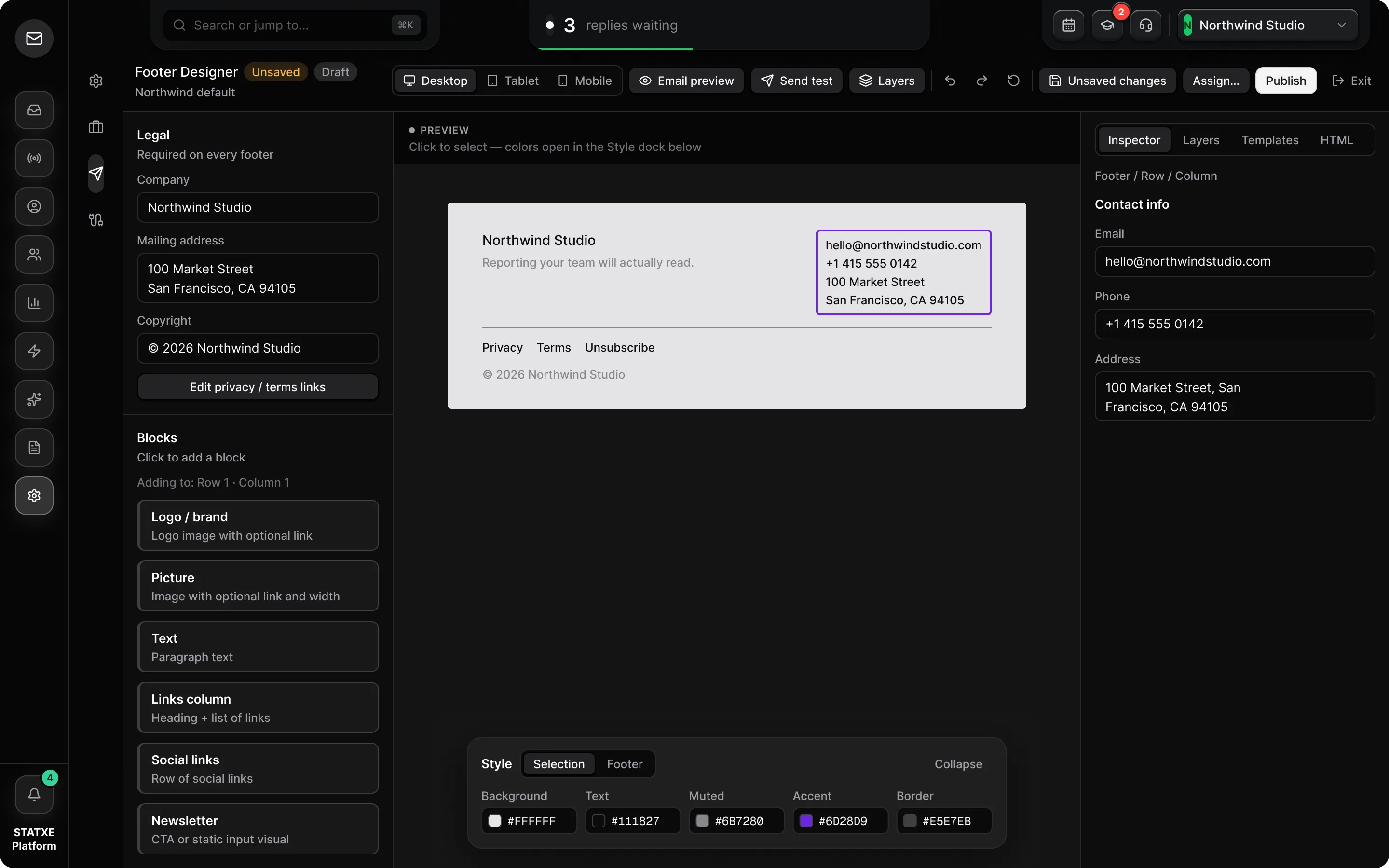
    Go to Settings → Footer, pick a template, and click Edit. This page is the visual designer — layout and brand. Assignment (which sender gets this footer) lives on Attach a footer.

  2. Add blocks without stripping legal copy

    Use the Blocks list for logo, text, links, social, and copyright. Company name and street address belong in Text and should match Settings → Branding. Leave Unsubscribe. STATXE fills {{unsubscribe_url}} at send time.

  3. Use Preview, Inspector, and Style

    Click a block in Preview to select it. Inspector edits that block. Style opens colors and type. Layers lists every block if you cannot find the mailing address. HTML is read-only compiled output — do not strip the unsubscribe token if you paste elsewhere.

  4. Publish the draft

    Save, then Publish. New assignments require a published footer. Come back to Footer and use Assign (this sender, sender + email type, or org default). Preview the next campaign to confirm the address and Unsubscribe.

Blocks vs legal copy

The designer is for logo, text, links, and color. The mailing address in Text must match Settings → Branding. Keep Unsubscribe — STATXE fills {{unsubscribe_url}} at send time.

Preview, Inspector, Style

Click a block in Preview to select it. Inspector edits that block. Style opens colors. Layers finds the address if you lose it. HTML is compiled output — do not strip Unsubscribe if you paste it elsewhere.

Click Edit to open the designer. Keep Unsubscribe. Publish, then Assign.
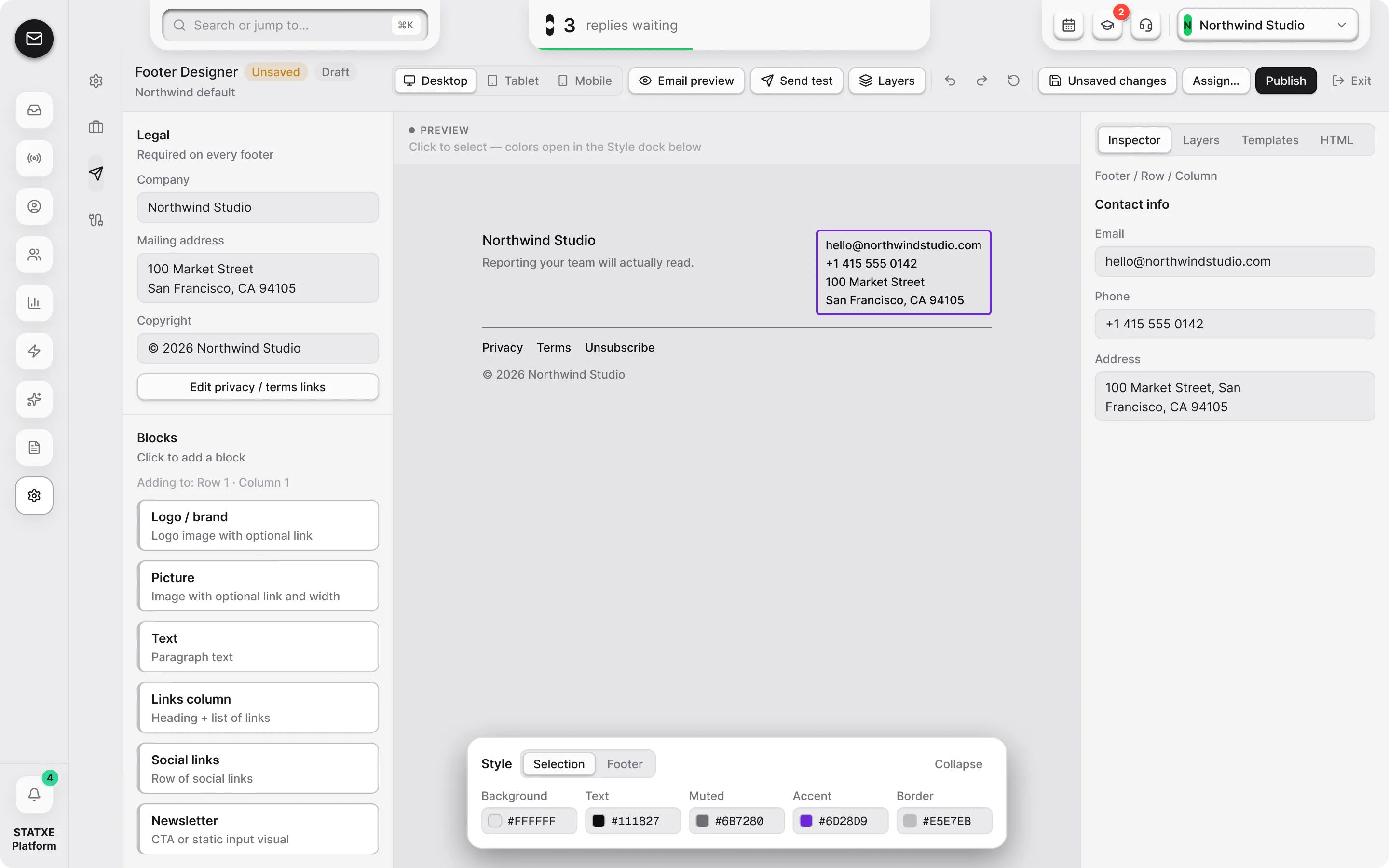
Preview

Click to select — colors open in the Style dock below

After send — mailing address and Unsubscribe at the bottom of the campaign

From STATXE <hello@updates.statxe.com>

Your workspace is ready

Hi Alex,

Billing is on, the sending domain is verified, and this footer will ride along on every campaign from this workspace.

STATXE

STATXE

Inbox, campaigns, and sending — one workspace for the mail you actually send.

CampaignsInboxContactsHelp
XLinkedInYouTube

STATXE, Inc.
100 Market Street, Suite 300
San Francisco, CA 94105

hello@updates.statxe.com

© 2026 STATXE. All rights reserved.

PrivacyTermsUnsubscribe