Create
Draft with AI
You will have a draft you reviewed before it left.
Pick where you are drafting
Use the assistant for campaign copy, subjects, and outlines. Use Ask AI on an inbox thread for a reply. Both spend AI credits. Nothing they write is sent on its own.
Ask for a specific draft
Name the audience, the outcome, and the tone. For a campaign: subject, offer, and who it is for (
Launch list). For a reply: what the contact asked and how you want to answer.Put the draft where you will edit it
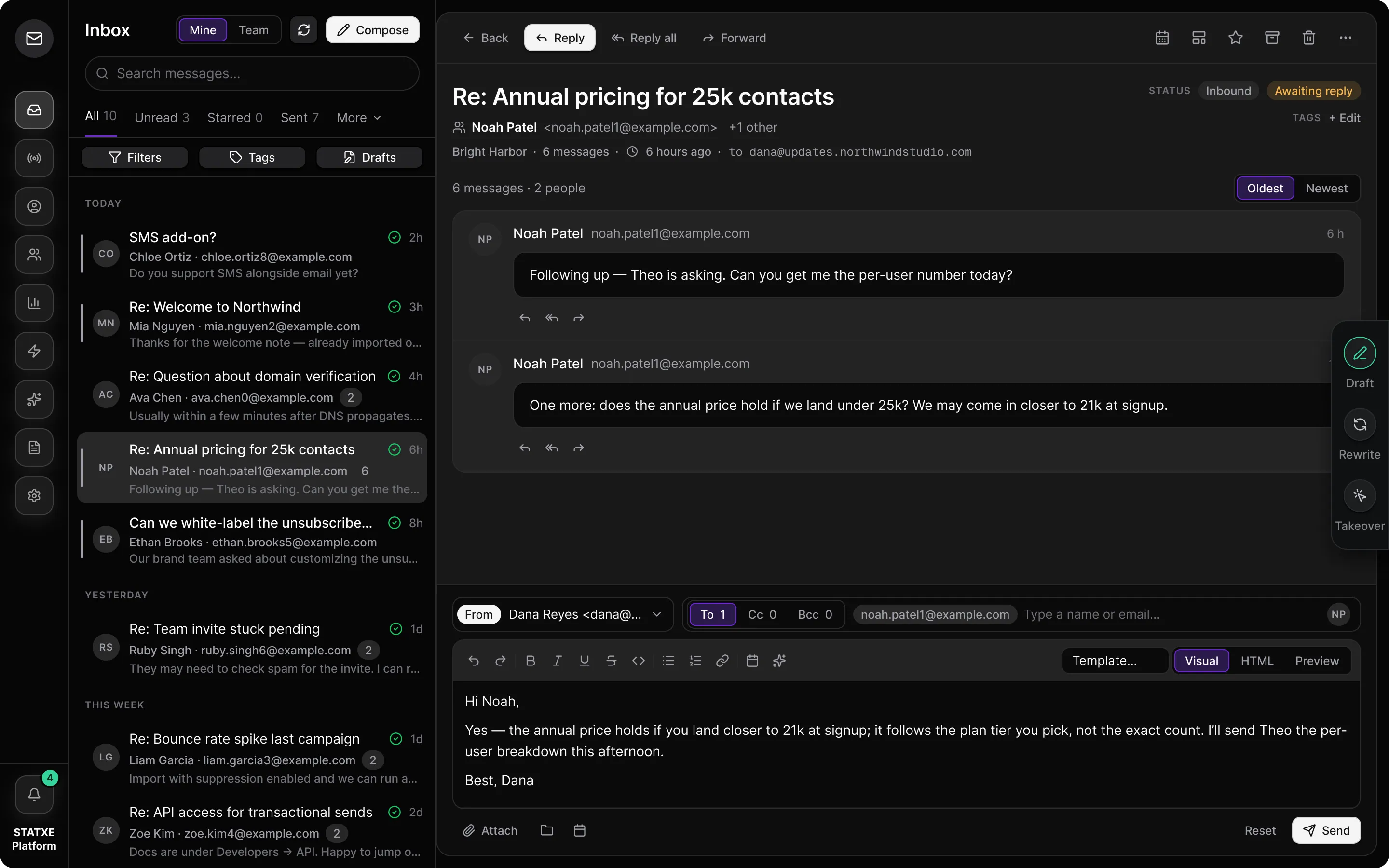
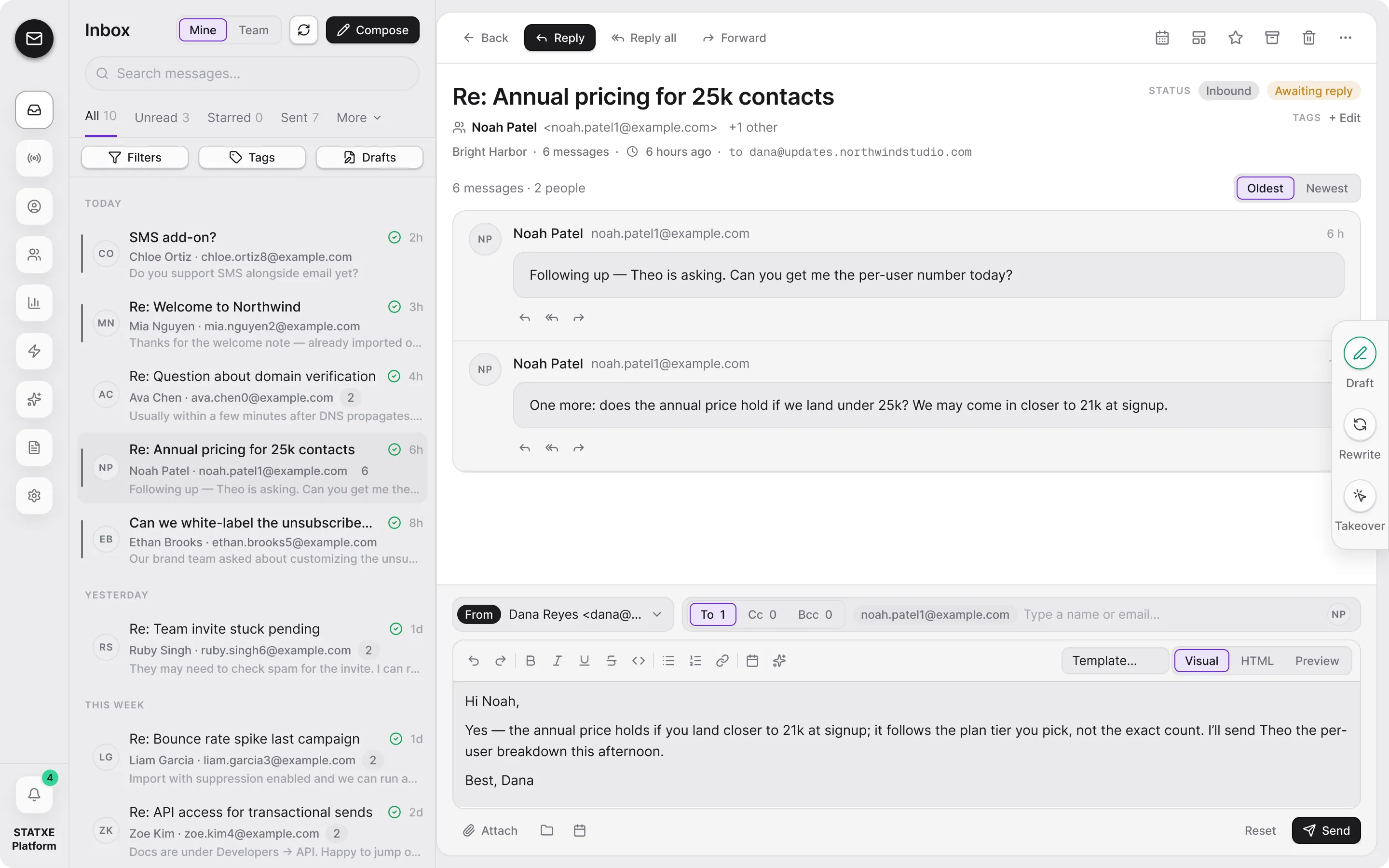
In the assistant, copy or insert the text into a campaign. In Inbox, use Apply to draft so the suggestion lands in the composer. Then edit names, claims, and links yourself.
You send — not the model
STATXE does not send AI text without a human gate. Click Send on the campaign or the thread only after you have read the draft. If the grant is empty, buy AI credits on Billing.
Assistant
AI credits · 2,000Draft
Subject: Your workspace is ready
Hi — billing is on, the domain is verified, and Launch list is ready. Preview the footer, then send or schedule.
Walkthrough playing.
Assistant for campaign copy
Ask with an audience and an outcome. The assistant spends AI credits. Copy or insert the text into a campaign, then you click Send.
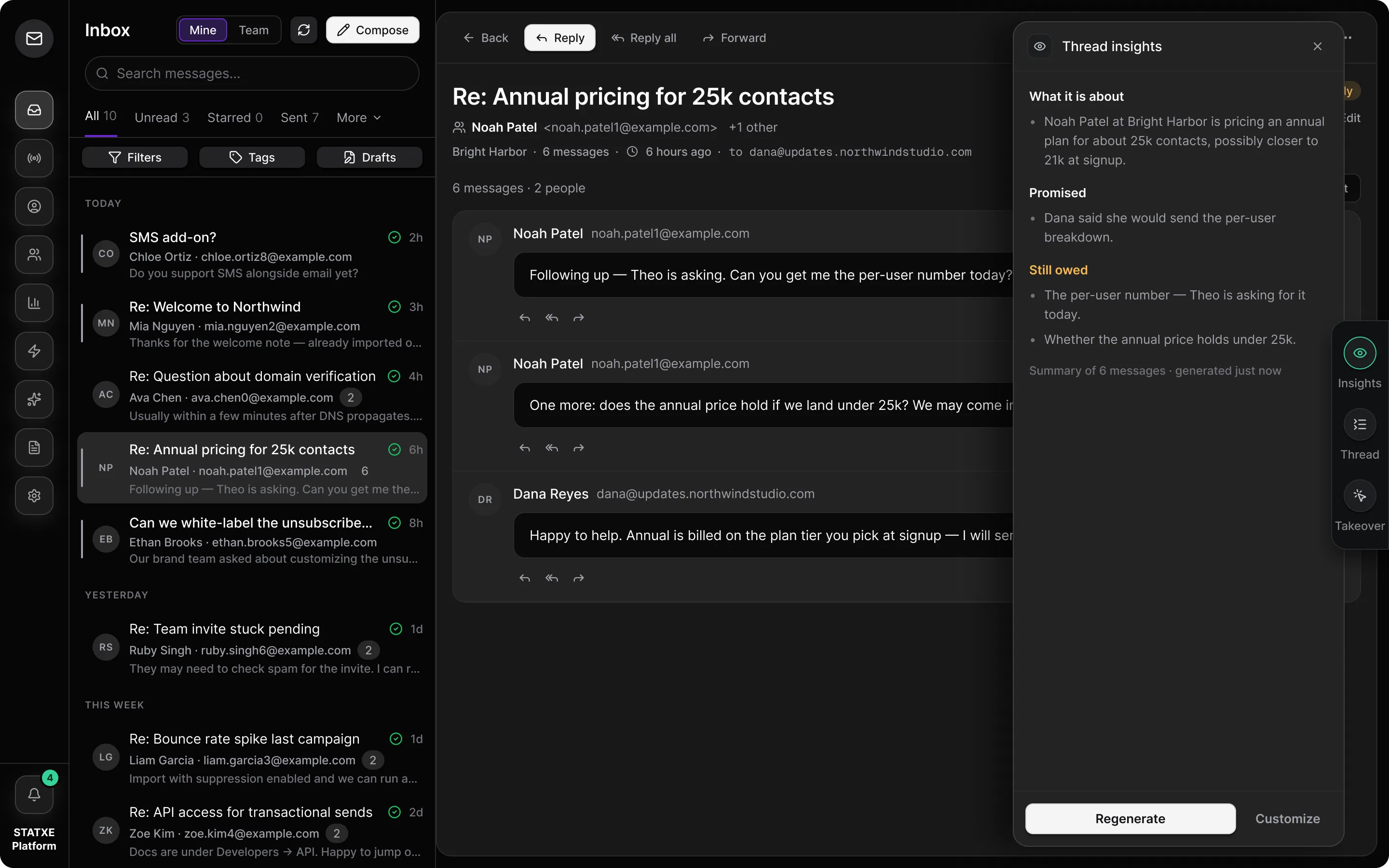
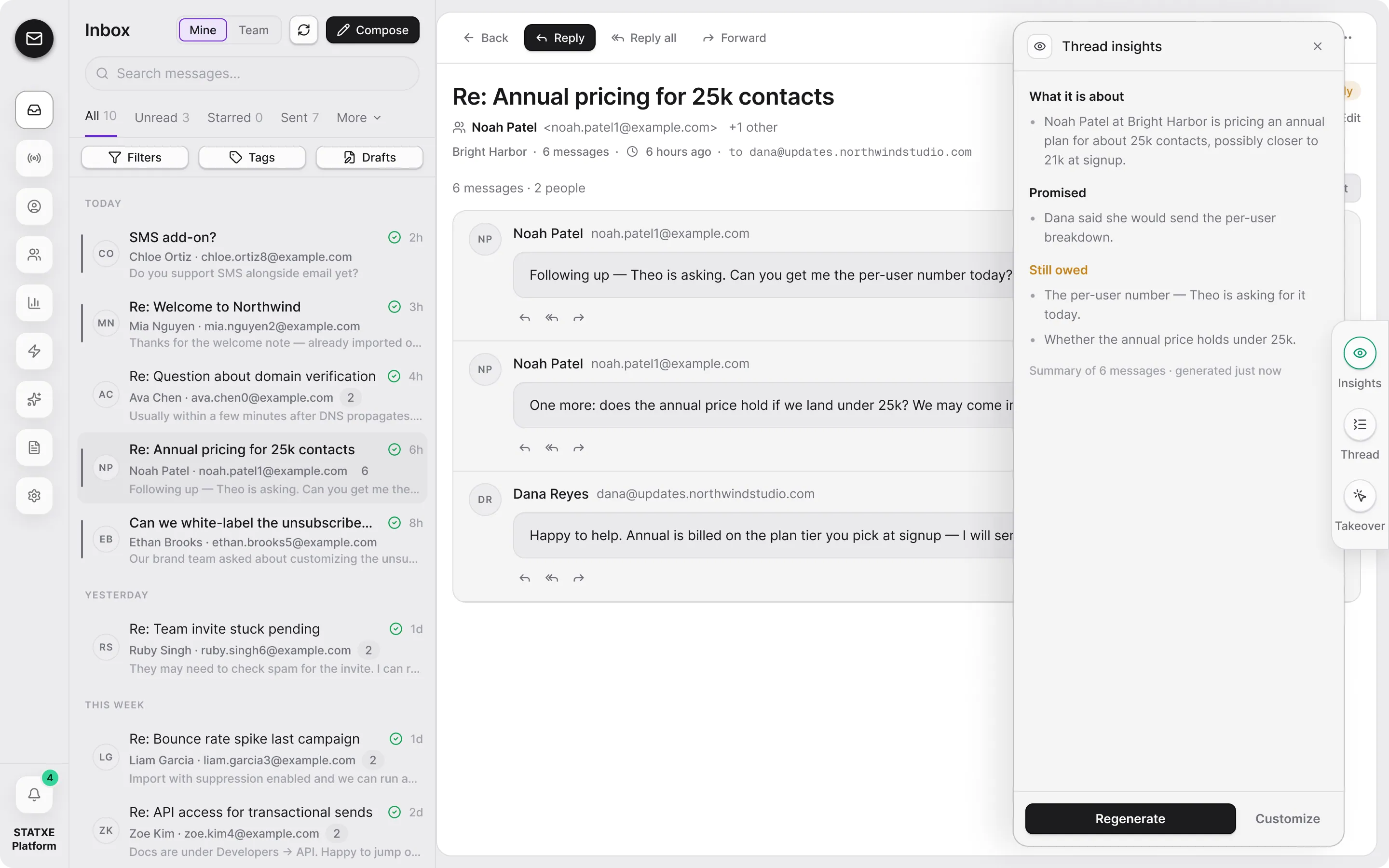
Inbox Ask AI
On a thread, Ask AI can suggest a reply. Apply to draft puts it in the composer. Edit, then send yourself.
Ask AI · Re: Workspace is ready
Composer
Empty until you apply the suggestion.
Suggested reply
Hi Nia — I will send the August update from this mailbox to Launch list this afternoon.
Apply to draft