Build your audience
Organize groups
You will have a group you can send to.
Open Groups
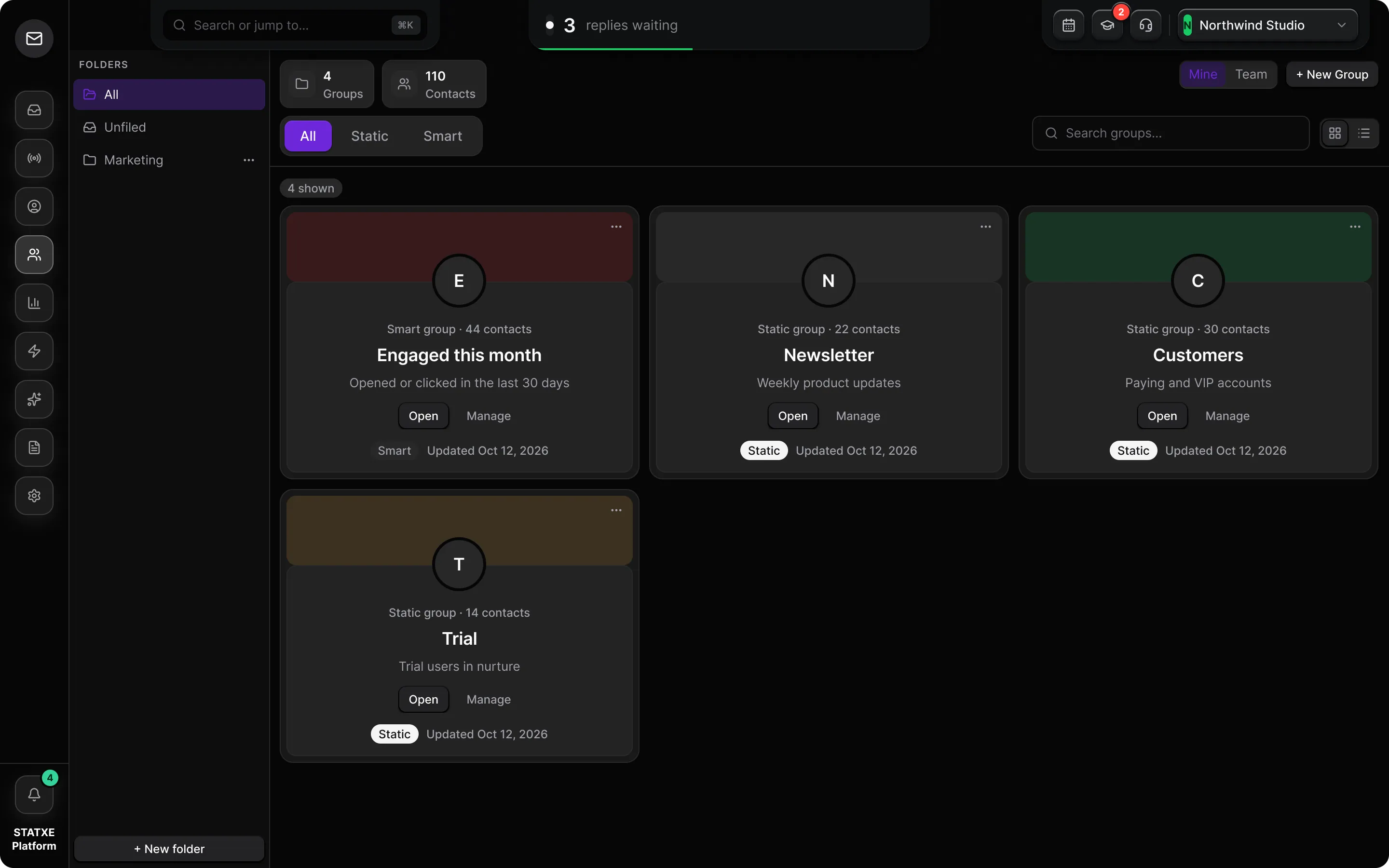
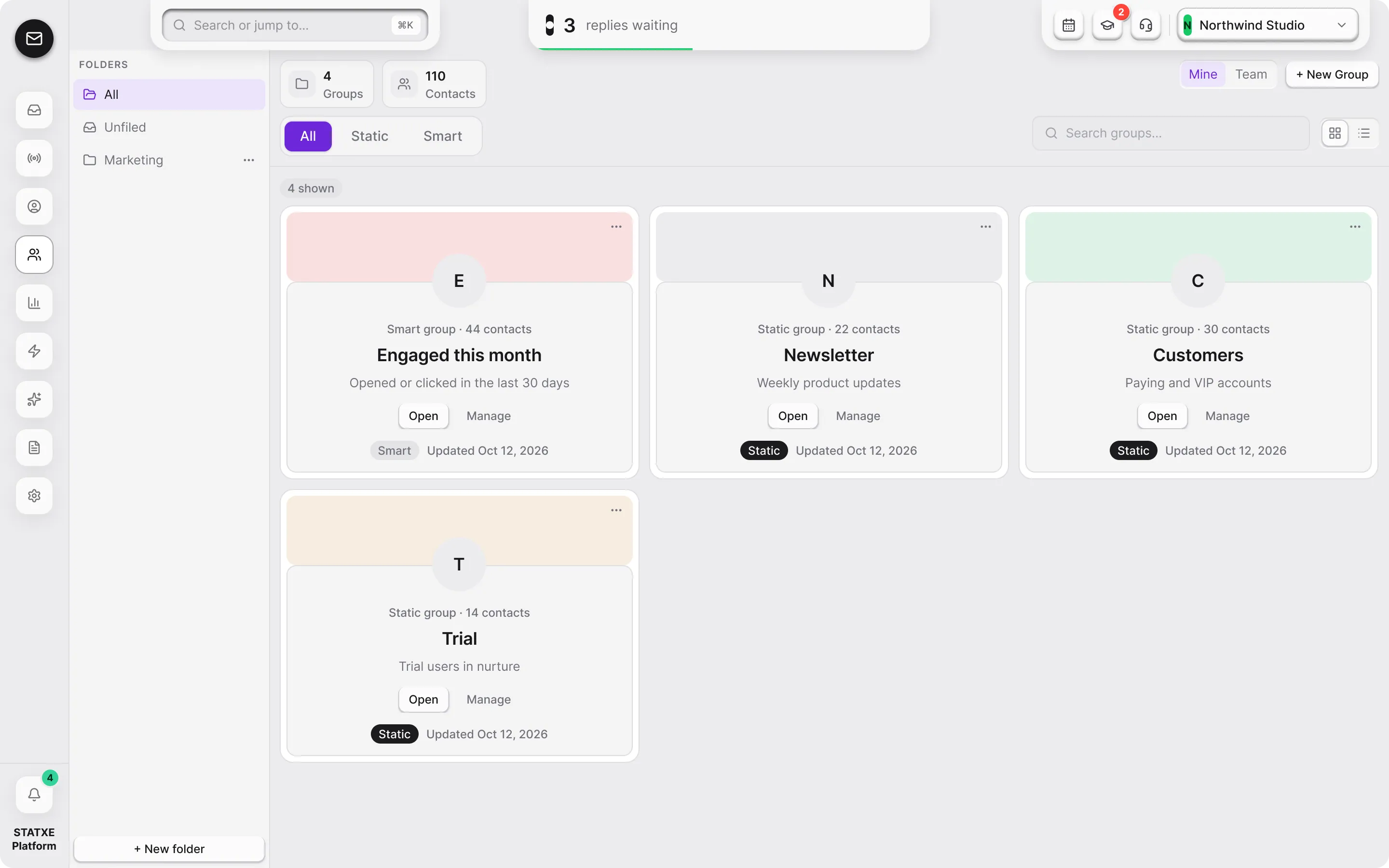
Go to Groups. A group is a named list you can pick as a campaign audience. Filter All, Static, or Smart to see one kind.
Create a static group
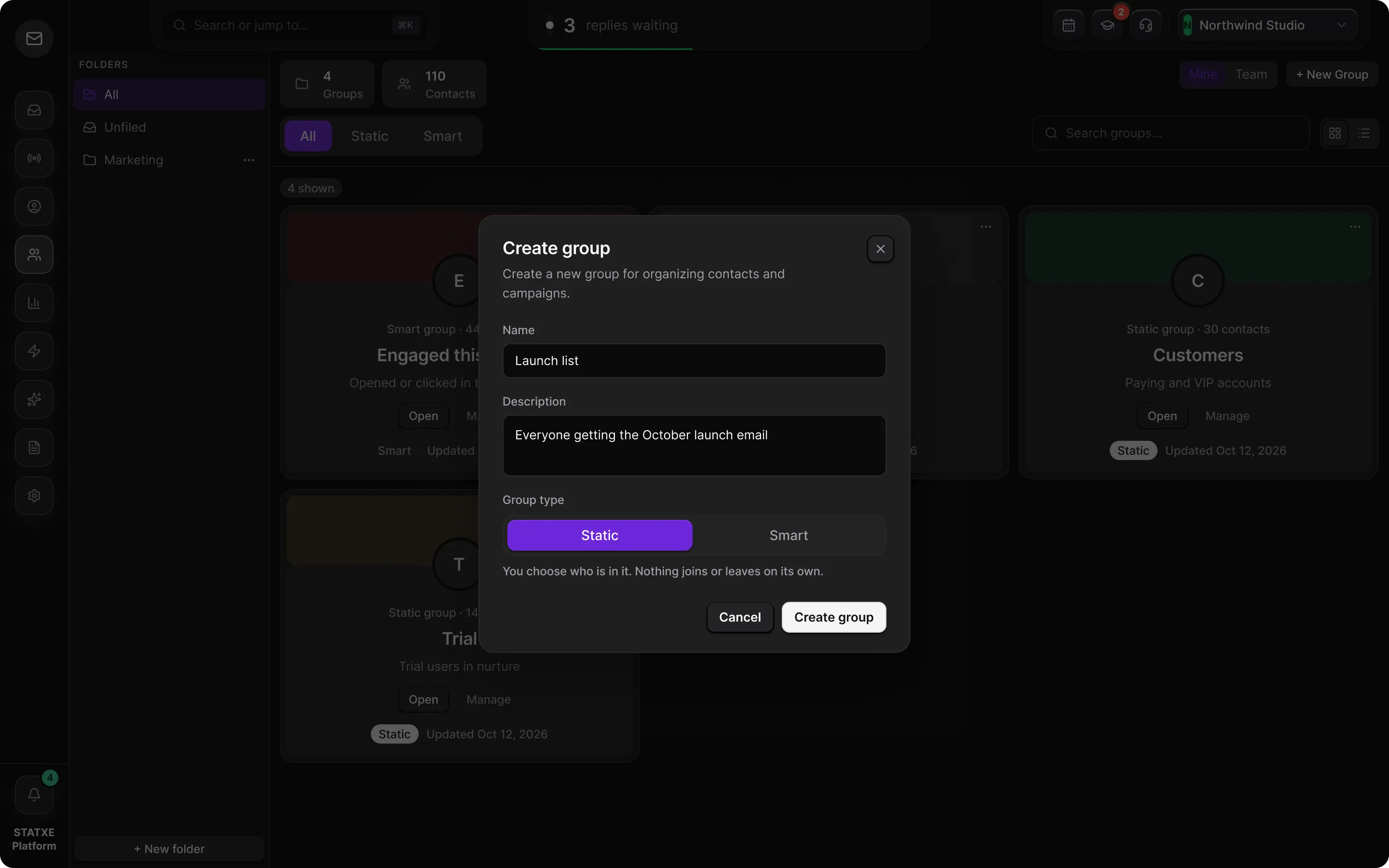
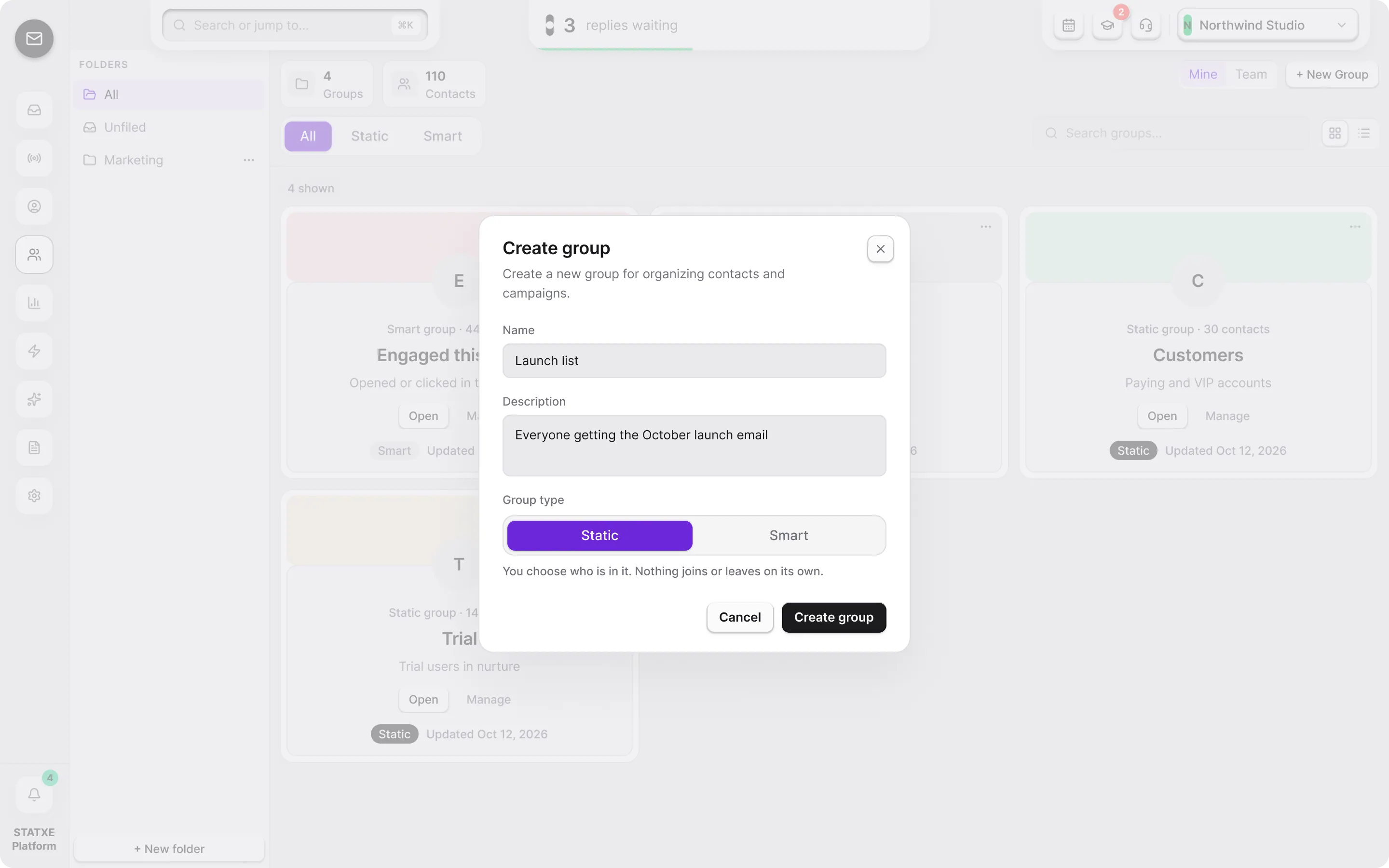
Use New Group, name it for the send (for example
Launch list), and leave the type on Static. Static groups are managed by hand — you add and remove people.Add contacts to the static group
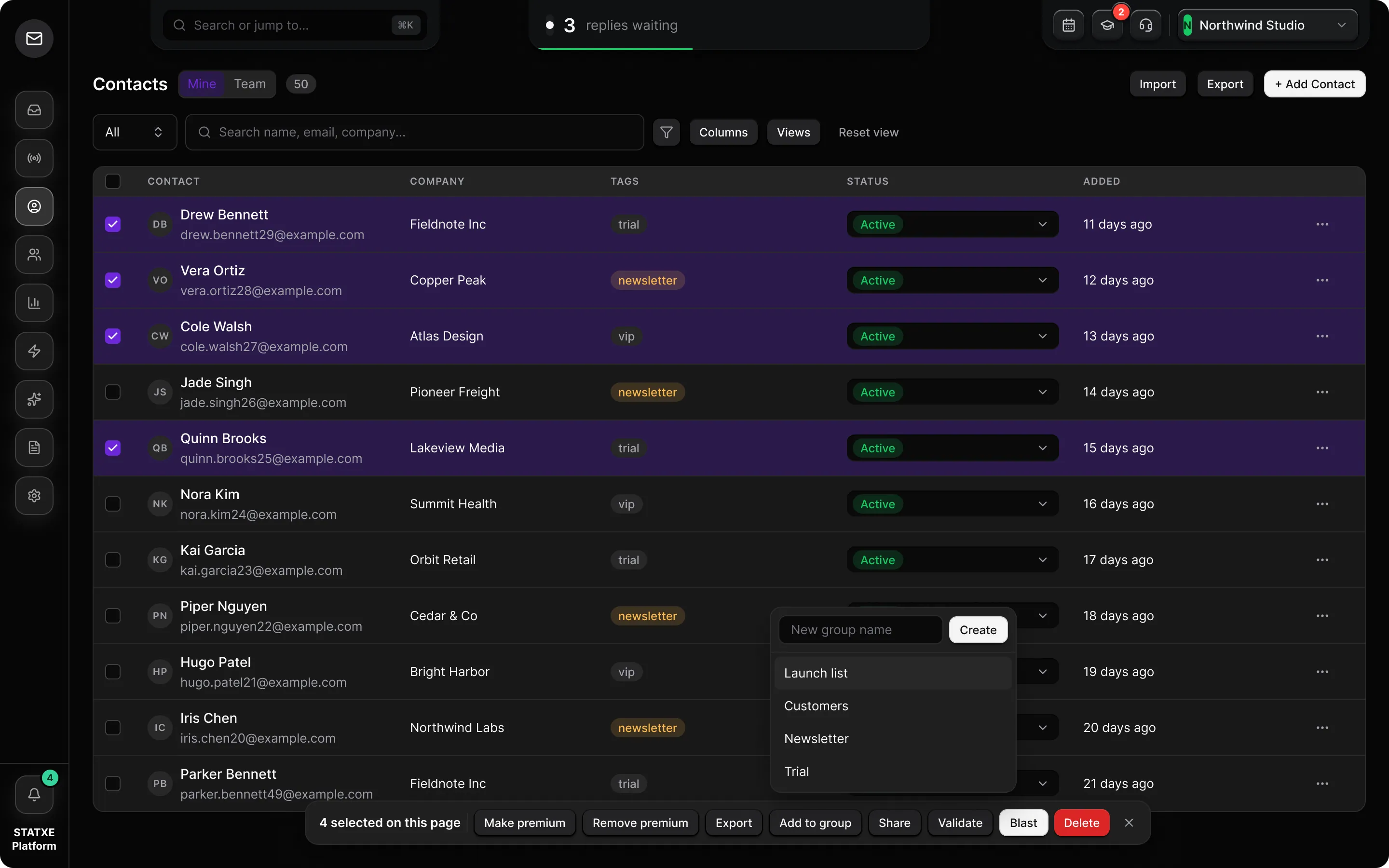
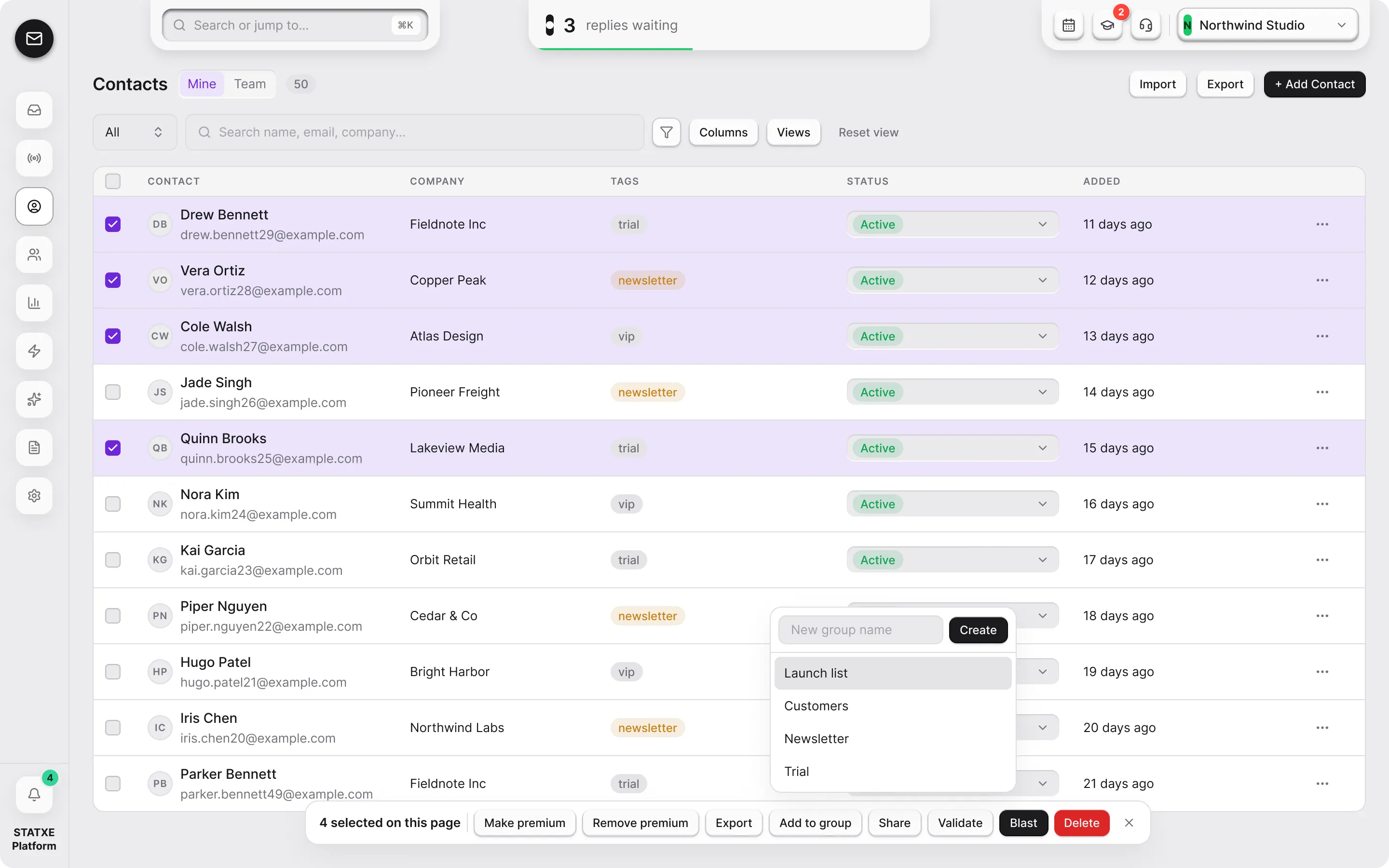
From Contacts, select the rows and use Add to group. You can also attach a group while importing. Do not put a purchased list here.
Create a smart group when membership should follow rules
On New Group, switch the type to Smart. Smart groups auto-update from rules and filters (tag, status, company). You do not tick people in. Contacts join or leave when they match.
4
Groups
14
Contacts
Static group · 6 contacts
Launch list
People you added for the first send
Static group · 4 contacts
Product updates
Hand-picked product list
Smart group · 2 contacts
Completed form
Tag is completed-form
Smart group · 2 contacts
Active at STATXE
Company is STATXE and status is Active
Walkthrough playing.
The Groups library
Groups is the list of audiences you can pick on a campaign. Filter All, Static, or Smart to see one kind.
4
Groups
14
Contacts
Static groups
A static group is a list you curate. You add people from Contacts with Add to group, or attach the group while importing. You remove them the same way. Membership does not change unless you change it.
Use static for a one-off send — a launch list, a hand-picked product list, the six demo rows from the contacts import. Do not pour a purchased file into it.
Workspace
Create a static group, then add people
Smart groups
A smart group auto-updates from rules and filters. On New Group, switch the type to Smart. You do not tick contacts. People join when they match (tag, status, company) and leave when they stop matching.
Use smart when the same rule should stay current — everyone who finished a form, everyone at STATXE who is still Active. Do not add people to a smart group by hand.
Workspace
Create a smart group — membership follows rules