Build your audience
Add contacts
You will have at least one subscribed contact.
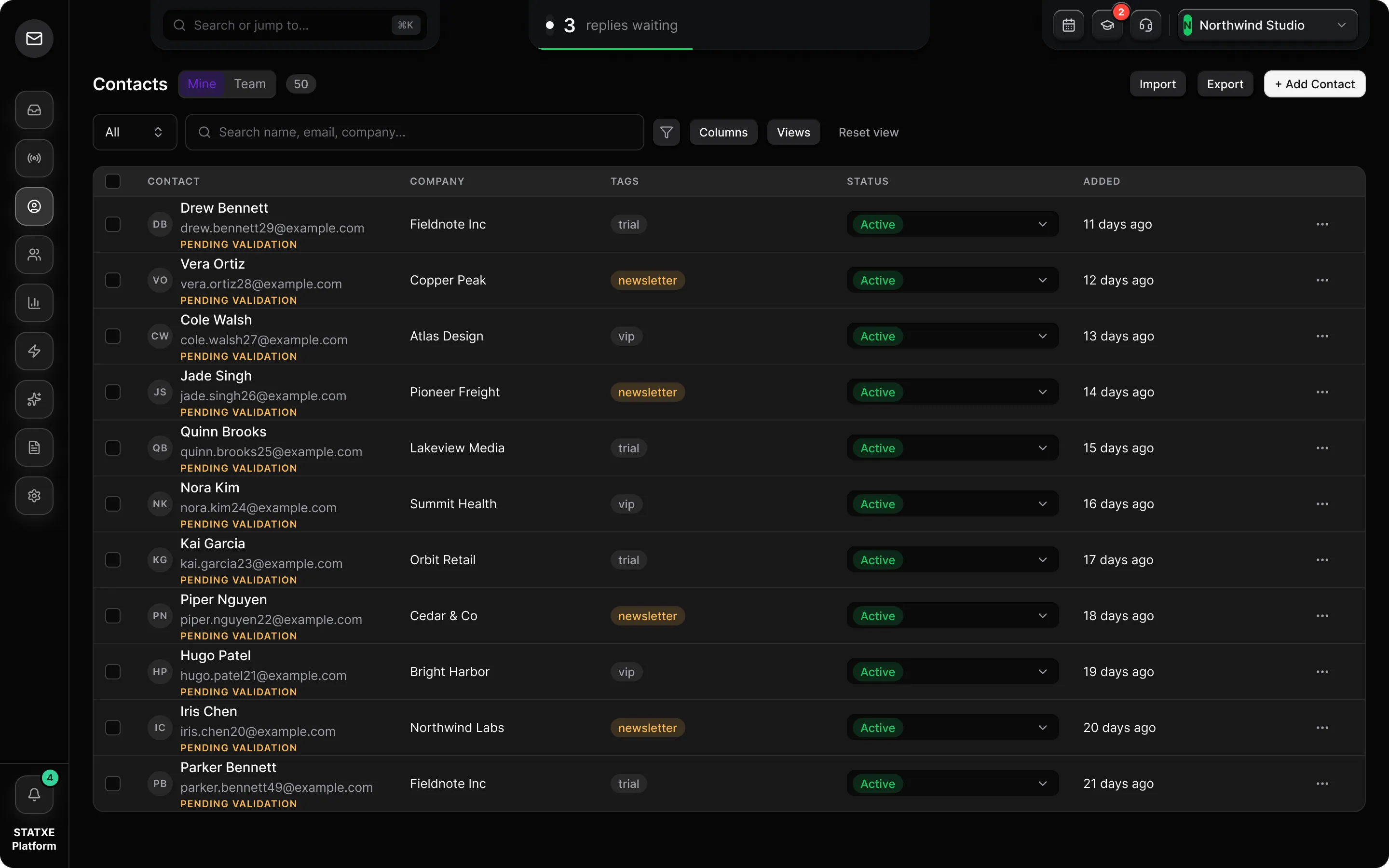
Import a CSV
Go to Contacts and use Import. Drop a
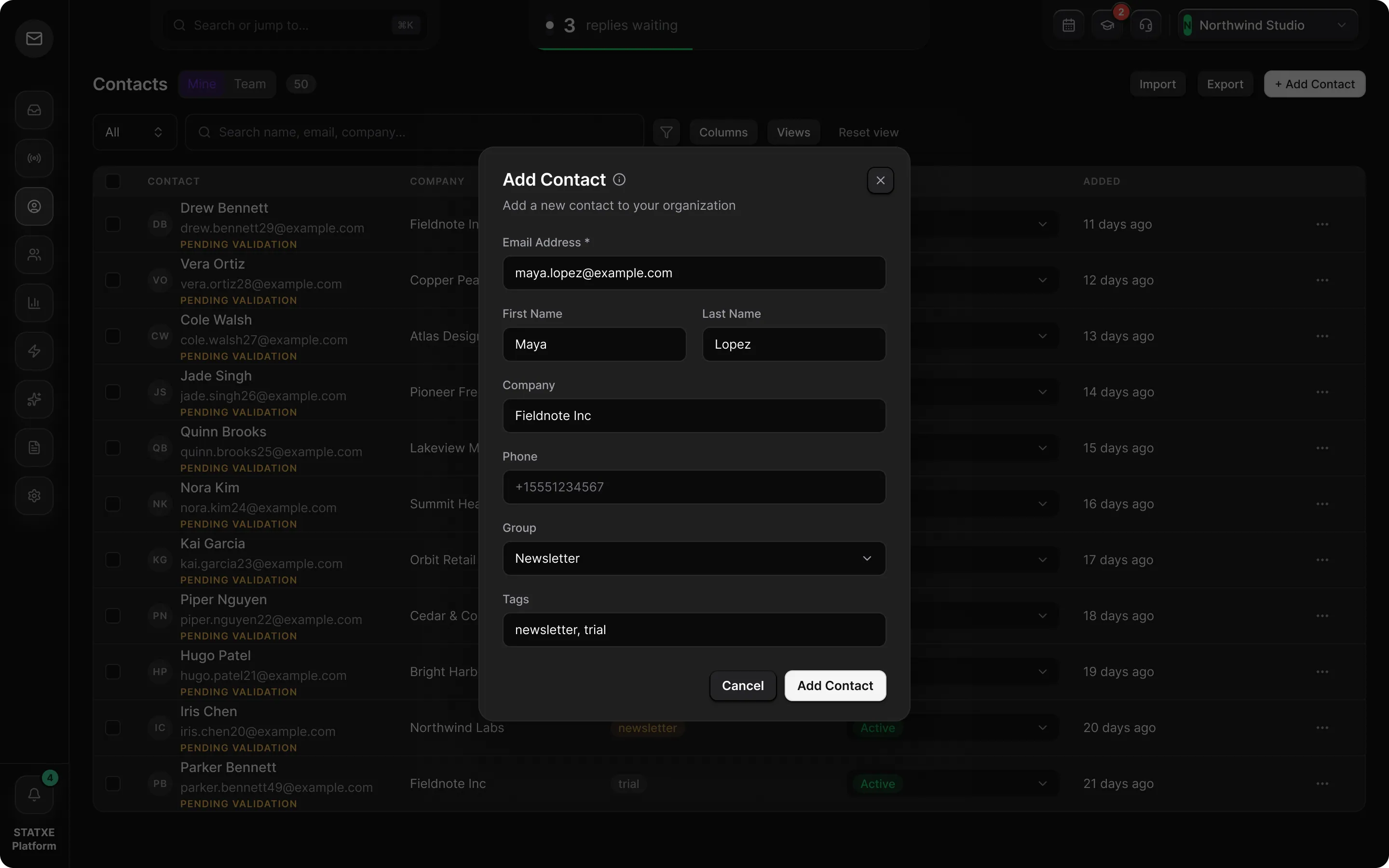
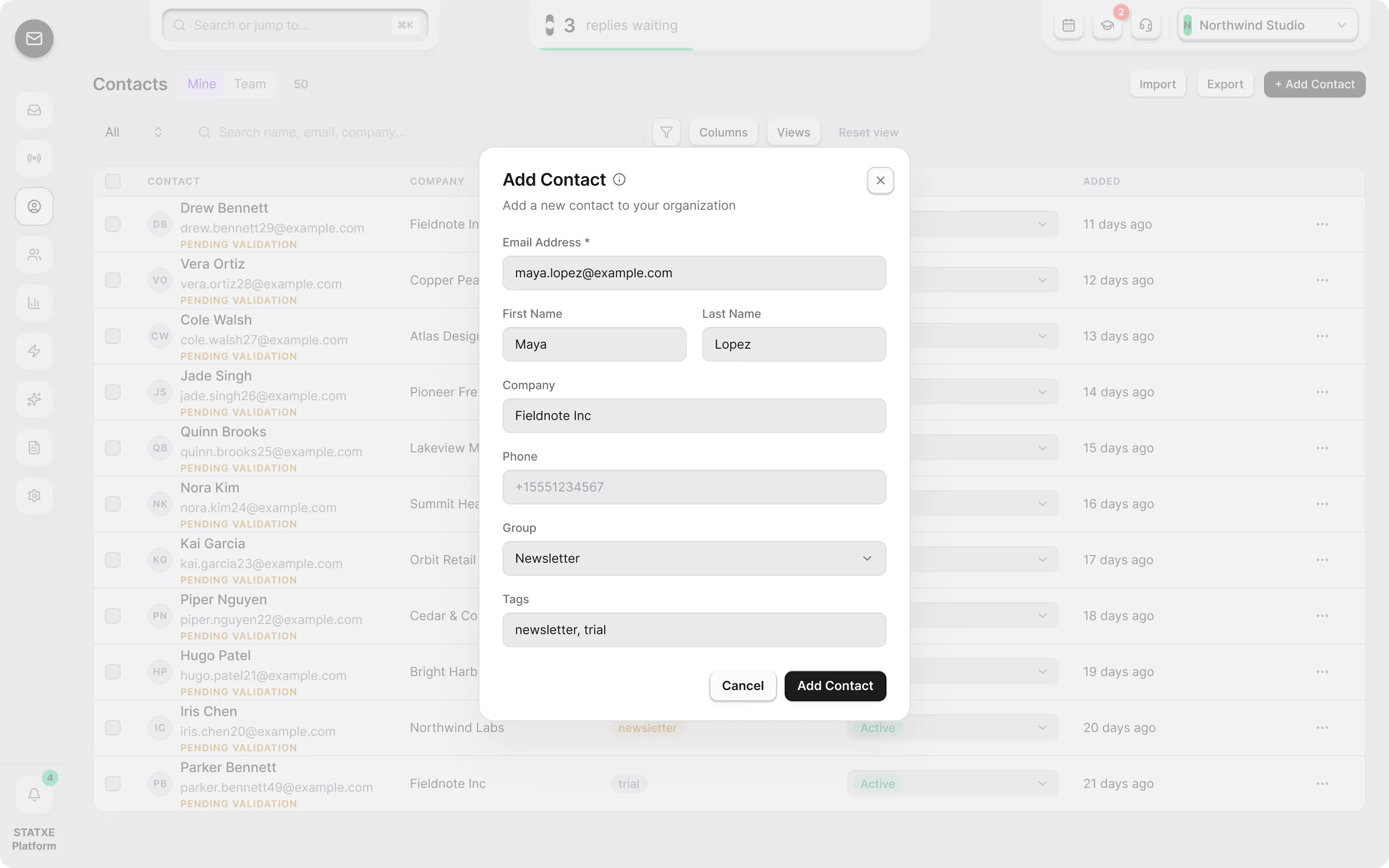
.csvyou have permission to email. Auto-map looks for name, company, email, phone, address, and revenue.To add one person instead, use Add Contact and save an address you control.
Map the columns
Confirm Email is mapped — import will not run without it. Use Auto-map as a start, then set extras to Ignore or Custom merge fields. Click Import.
Review rejected rows
Quality checks send bad rows to Failed imports. Typical reasons: invalid syntax, disposable domains, role accounts (
info@,admin@), suspected typos, and duplicates. Fix the address inline, accept a suggestion, ignore, or delete. Do not force a purchased list through.Add the imported people to a group
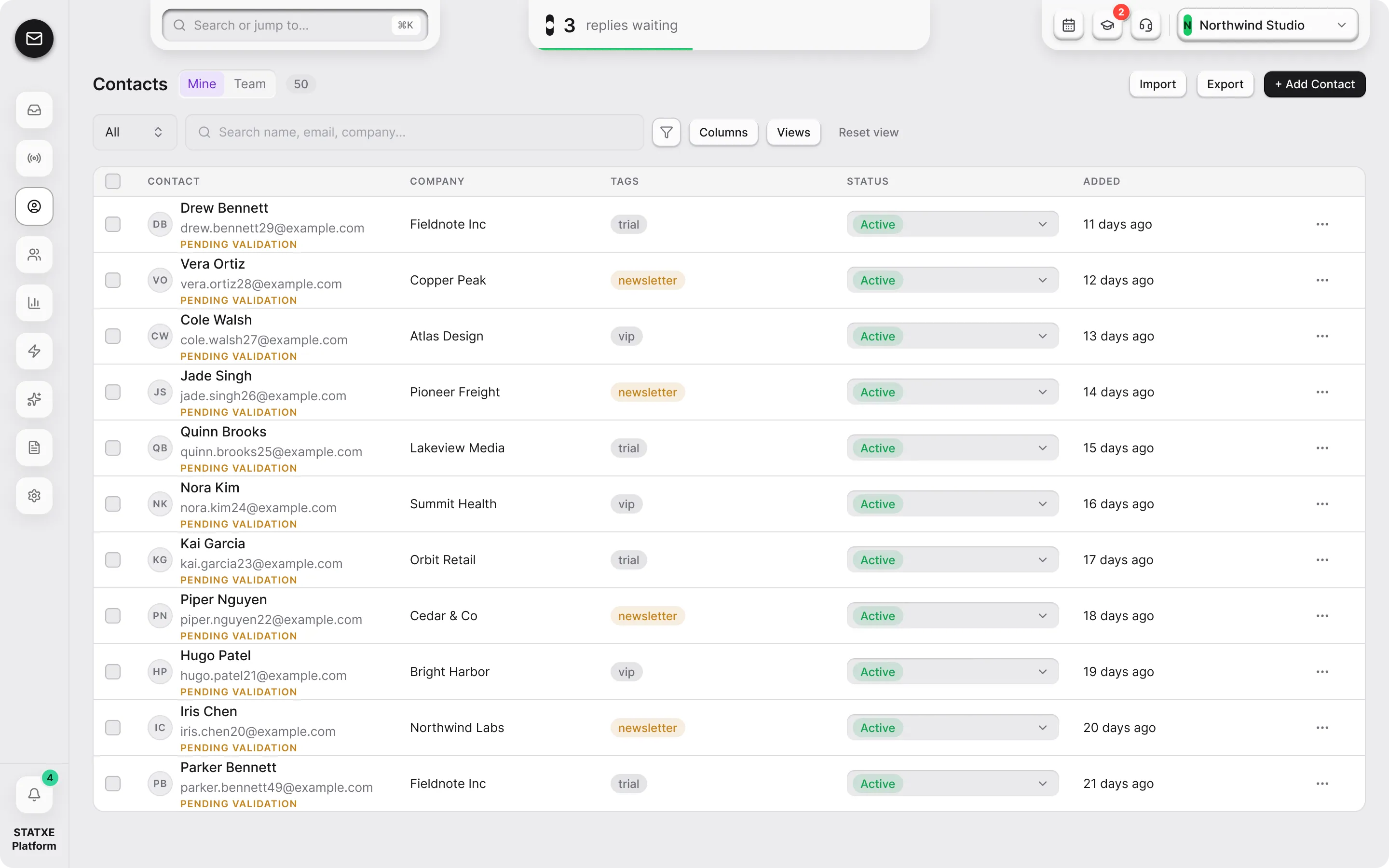
Back on Contacts, select the new rows. The bulk bar opens. Use Add to group to put them on a list you can target from a campaign. Click a name in the table to edit first and last name if the CSV split them wrong.
Contacts
6Import contacts
Choose CSV file
Click or drop a CSV anywhere in this box
Auto-map looks for name, company, email, phone, address, and revenue. Extra columns can be ignored or kept as custom merge fields.
Walkthrough playing.
Contacts
| Contact | Company | Tags | Status | Added | ||
|---|---|---|---|---|---|---|
| AAda Lovelaceada@updates.statxe.com | STATXE | — | Active ▾ | 2 days ago | ||
| NNia Colenia@northwind.dev | Northwind | formcompleted-form | Active ▾ | 4 days ago | ||
| JJordan Halejordan@brightline.coPENDING VALIDATION | — | — | Active ▾ | 7 days ago | ||
| SSam Ortizsam@harbor.studioSHARED | Harbor | — | Active ▾ | 7 days ago | ||
| RRiley Chenriley@statxe.com | STATXE | — | Active ▾ | 7 days ago | ||
| MMorgan Ellismorgan@lumen.mediaPENDING VALIDATION | — | — | Active ▾ | 7 days ago |