SCHEDULING & INTEGRATIONS

Create an API key

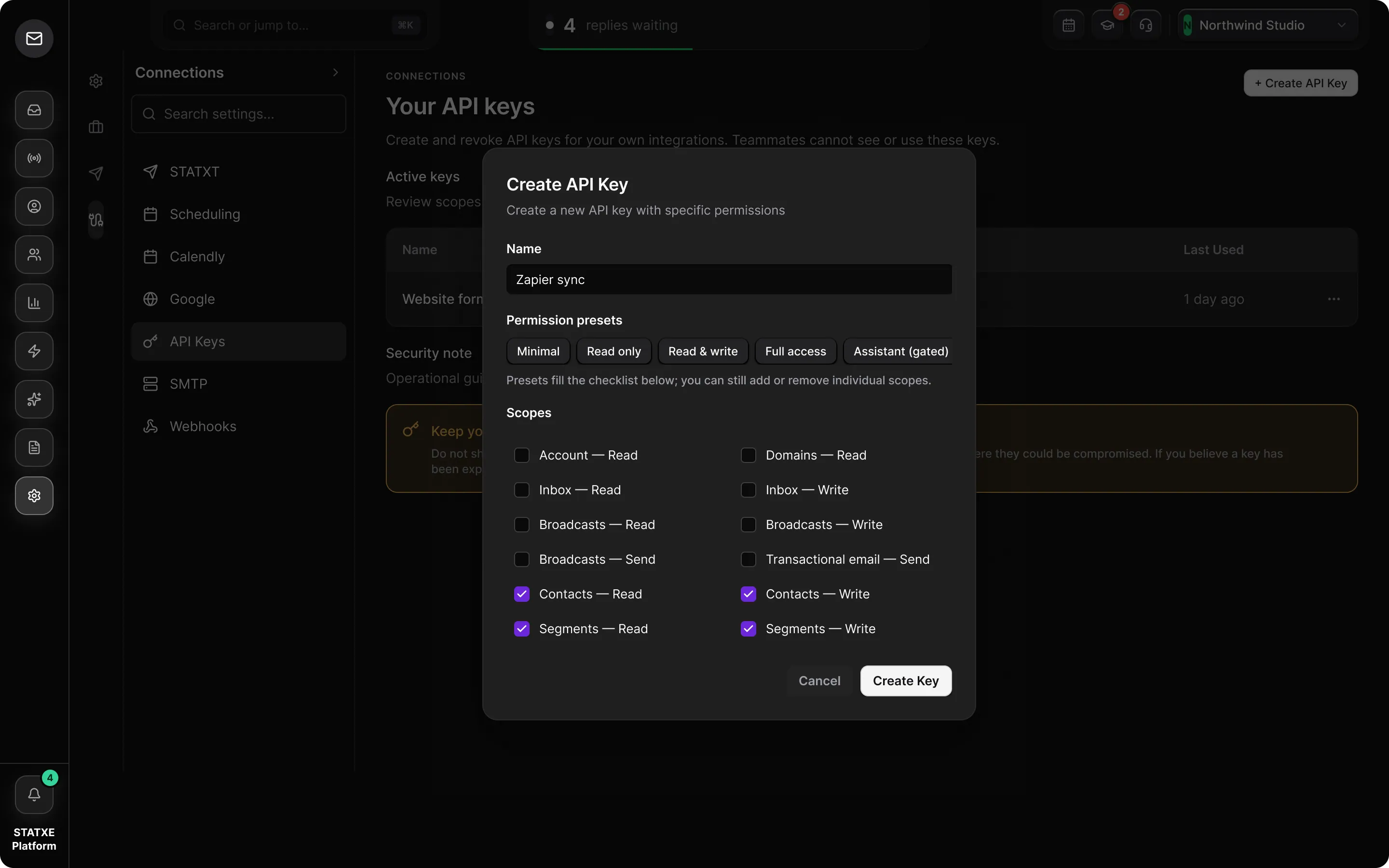
Make a key with only the scopes an integration needs, copy it once, and revoke it when the integration retires. Keys belong to you, not the workspace.

Where
Settings → Connections → API Keys
Time
About 2 minutes
Needs
Nothing

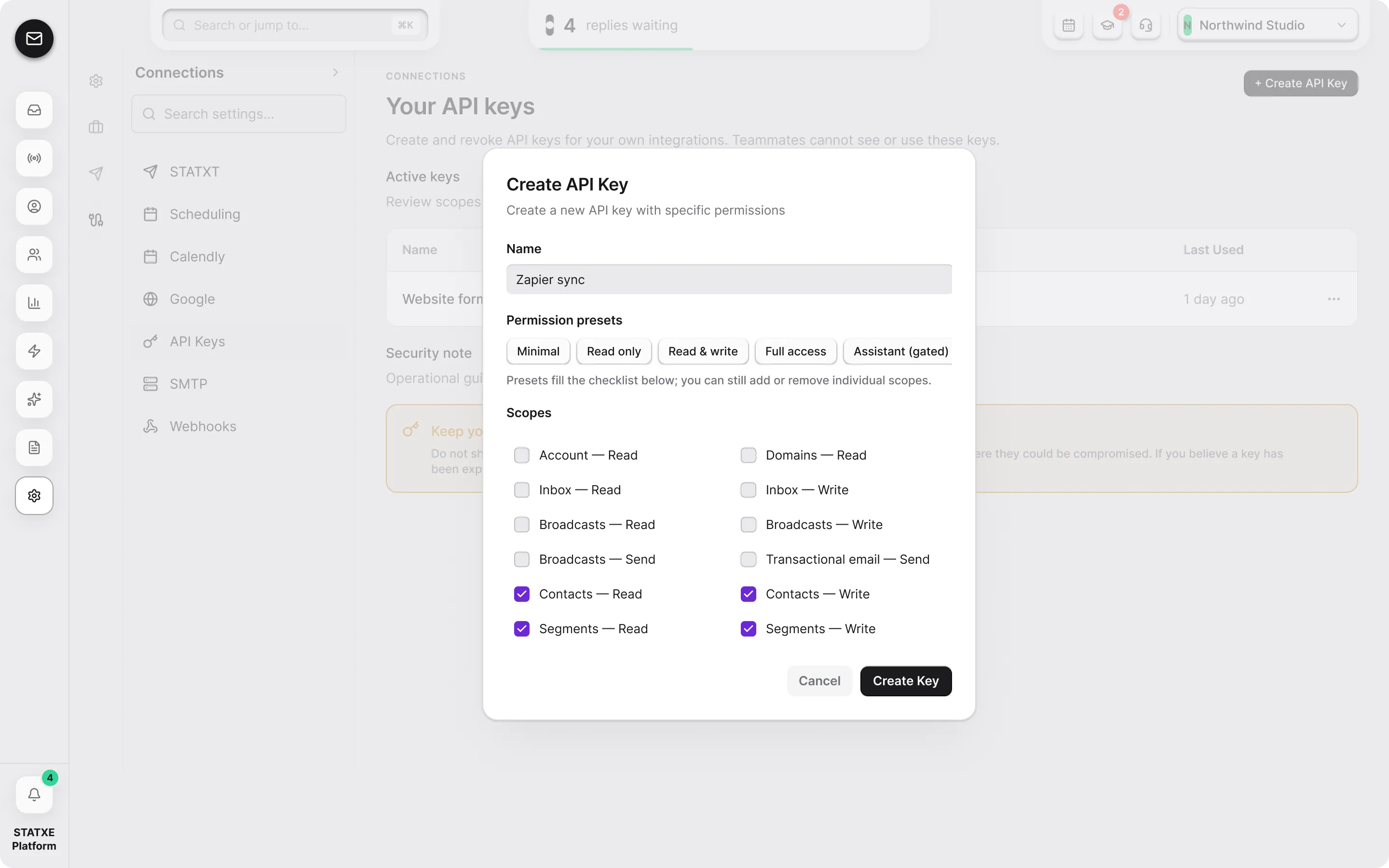
Name the key and choose its scopes

Create an API key — Name the key and choose its scopesCreate an API key — Name the key and choose its scopes

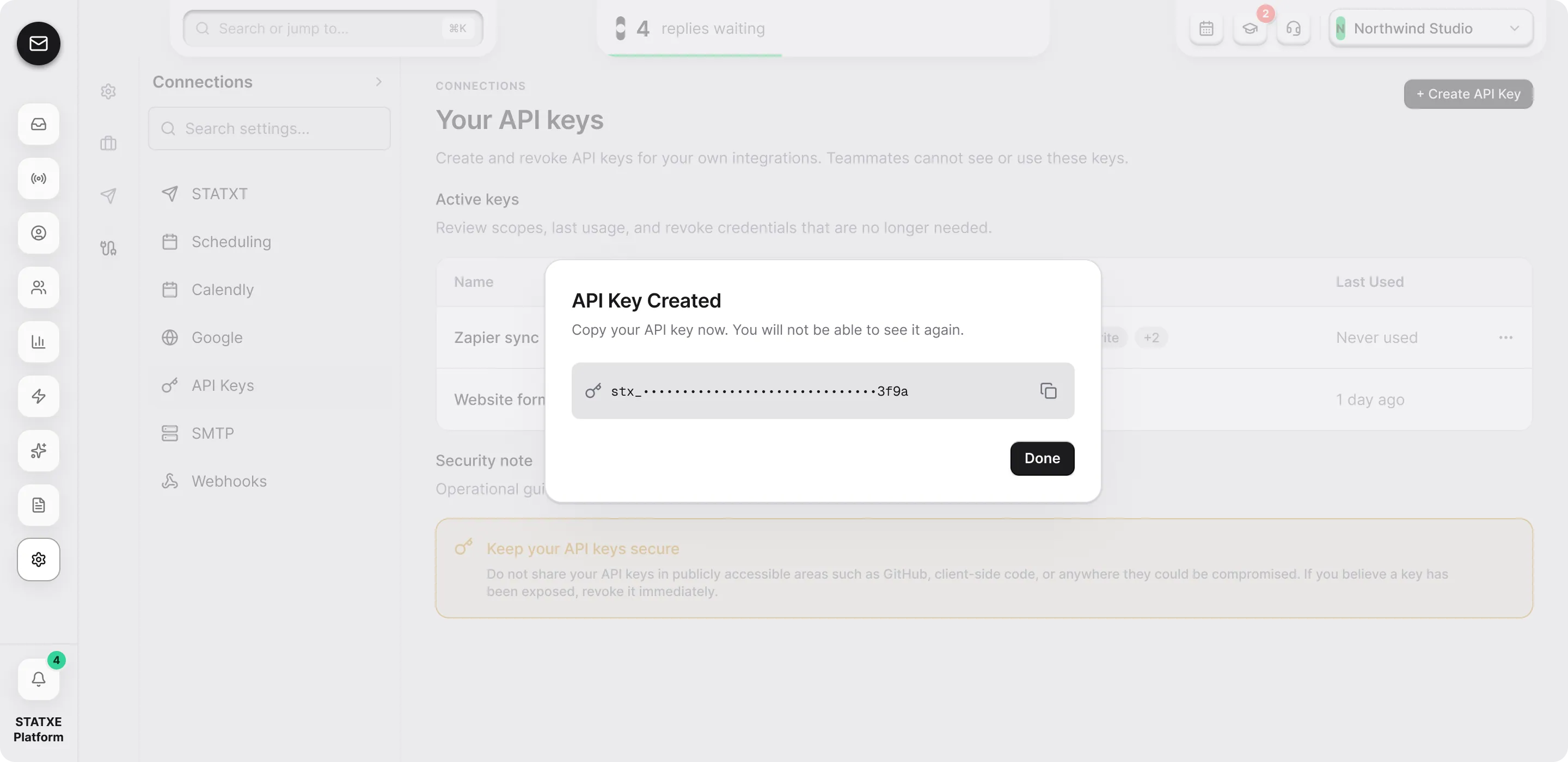
Copy the key before you close the dialog
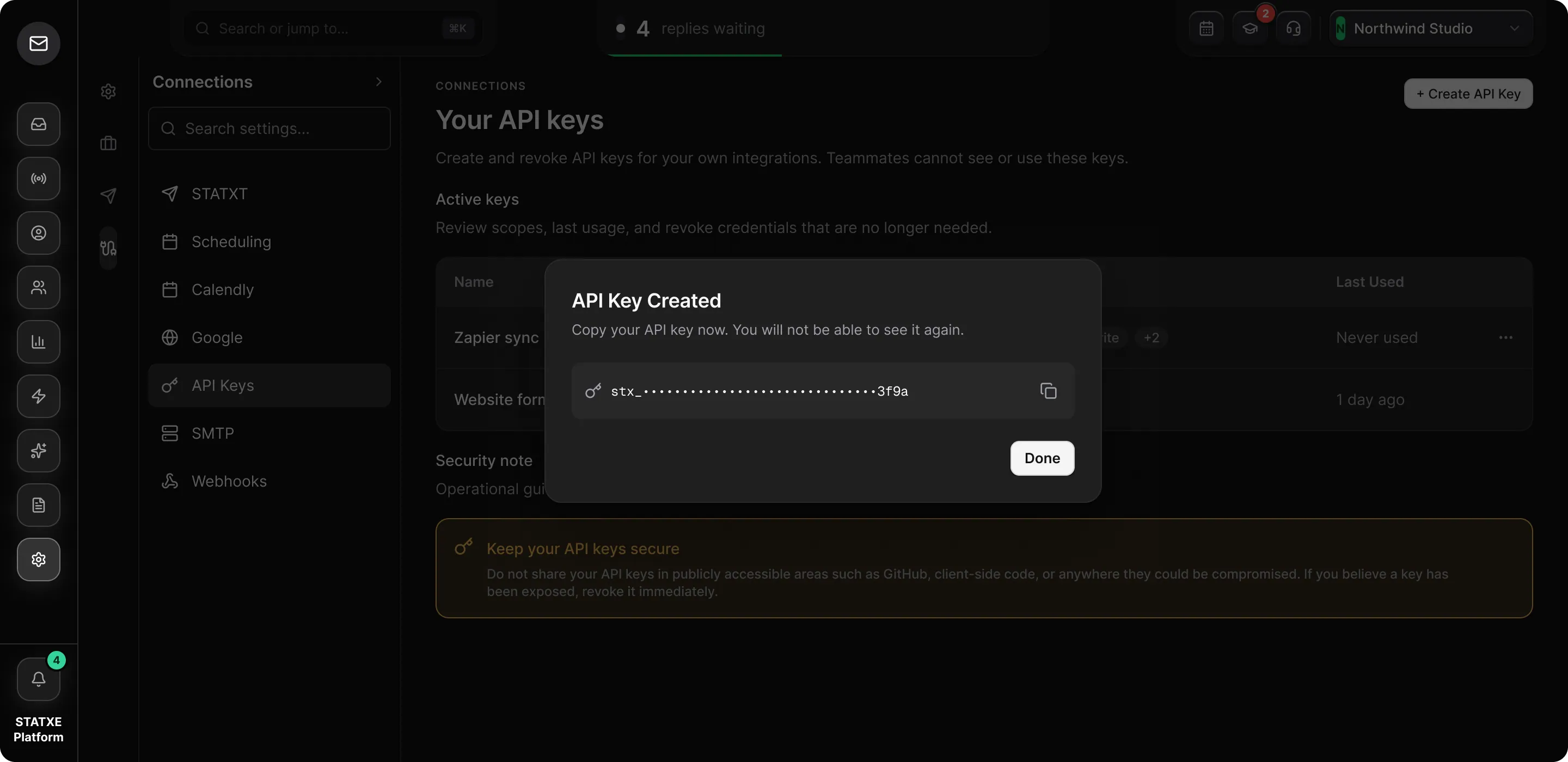
Create an API key — Copy the key before you close the dialogCreate an API key — Copy the key before you close the dialog
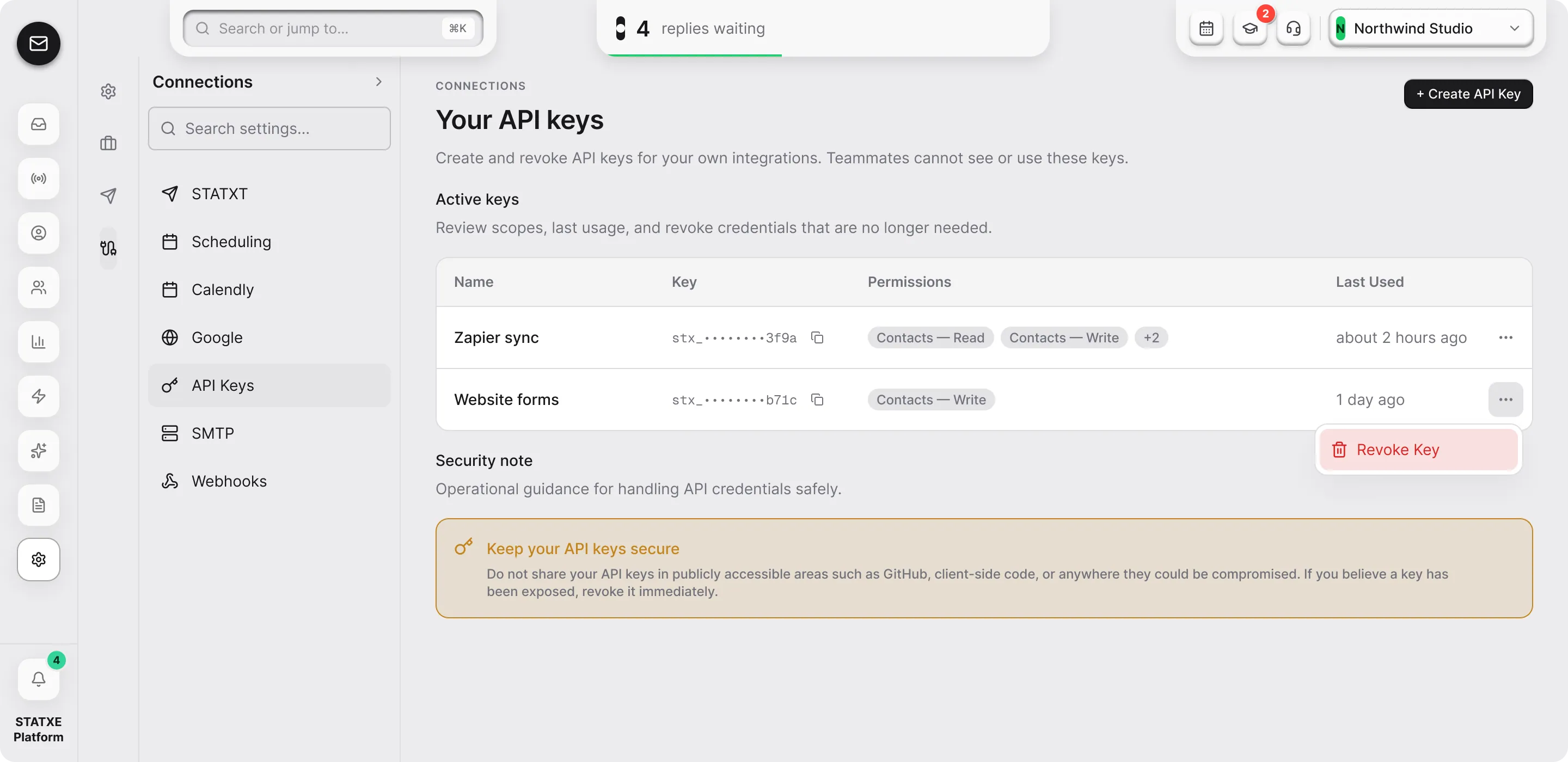
Revoke a key you no longer use
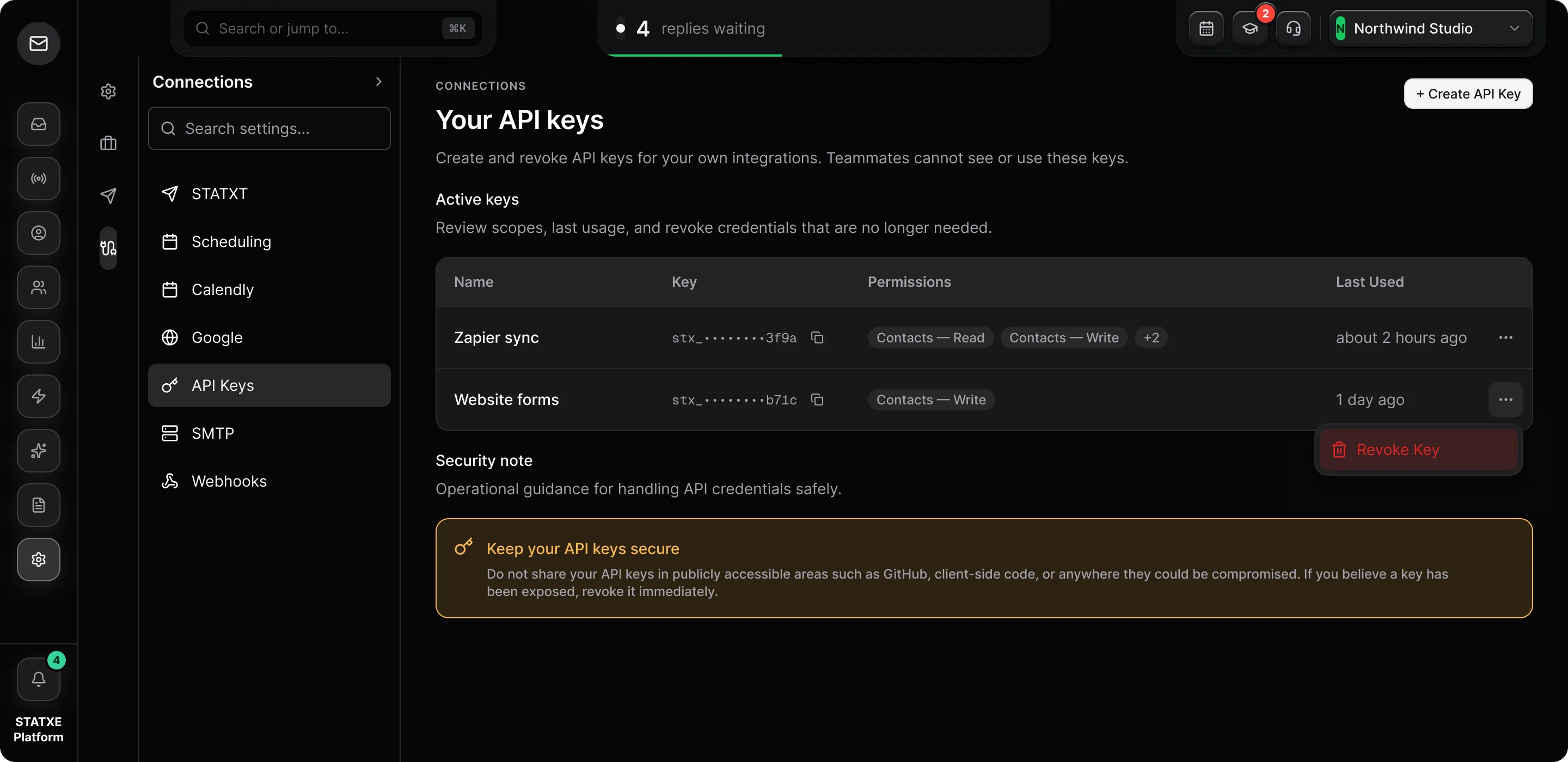
Create an API key — Revoke a key you no longer useCreate an API key — Revoke a key you no longer use